
iV Backup Tool
🗂 iV Backup — Smart, Secure, and Built for Real Workflows
About
Backups shouldn't be a single fragile file or a black box you can't manage. iV Backup gives you full control over how your data is packaged, protected, and updated.
🔹 Split Archives, Your Way
Break large backups into independent ZIP parts — each sized anywhere from 1 GB to 5 GB. Every part stands on its own, making storage, transfer, and recovery effortless.
🔹 Smart Incremental Updates
Changed just one file or folder? No need to rebuild everything. iV Backup updates only what's changed inside your existing backups — saving hours of time and gigabytes of space.
🔹 Standalone Archives for Heavy Folders
Folders that are naturally huge get their own dedicated ZIP — clean, organized, and easy to handle separately.
🔒 My Saved — Your Encrypted Vault
A private space for code snippets, notes, and sensitive text — locked behind a password. Nothing opens without your key.
🔹 Rich Viewing & Search
Render saved texts as clean HTML
View AI assistant outputs in native Markdown
Instantly search through everything in My Saved
🔹 Split Archives, Your Way
Break large backups into independent ZIP parts — each sized anywhere from 1 GB to 5 GB. Every part stands on its own, making storage, transfer, and recovery effortless.
🔹 Smart Incremental Updates
Changed just one file or folder? No need to rebuild everything. iV Backup updates only what's changed inside your existing backups — saving hours of time and gigabytes of space.
🔹 Standalone Archives for Heavy Folders
Folders that are naturally huge get their own dedicated ZIP — clean, organized, and easy to handle separately.
🔒 My Saved — Your Encrypted Vault
A private space for code snippets, notes, and sensitive text — locked behind a password. Nothing opens without your key.
🔹 Rich Viewing & Search
Render saved texts as clean HTML
View AI assistant outputs in native Markdown
Instantly search through everything in My Saved
Changelog 2
-
## Iv Backup 1.0.1
🔄 Add folder now replaces an existing folder in the pool — changed files are updated, deleted ones are removed
⚡ Re-adding a folder is much faster — unchanged files are skipped
🔒 Fixed "Access denied" on read-only and hidden files (`.git`, `.vs`)
🛡️ One failed file no longer stops the rest — failures are listed by name
📊 Add results and progress are now shown clearly under the Add buttons
🚫 Start and Scan are disabled while files are being copied -
My Saved Sort
Added sort to My Saved items
Gallery
Comments 0
- No comments yet — be the first.
More like this
 Tool
Tool
iV Proxy Tool
🚀 iv Proxy gives you per-app proxy rules, live logs and clear traffic statistics.
 Tool
Tool
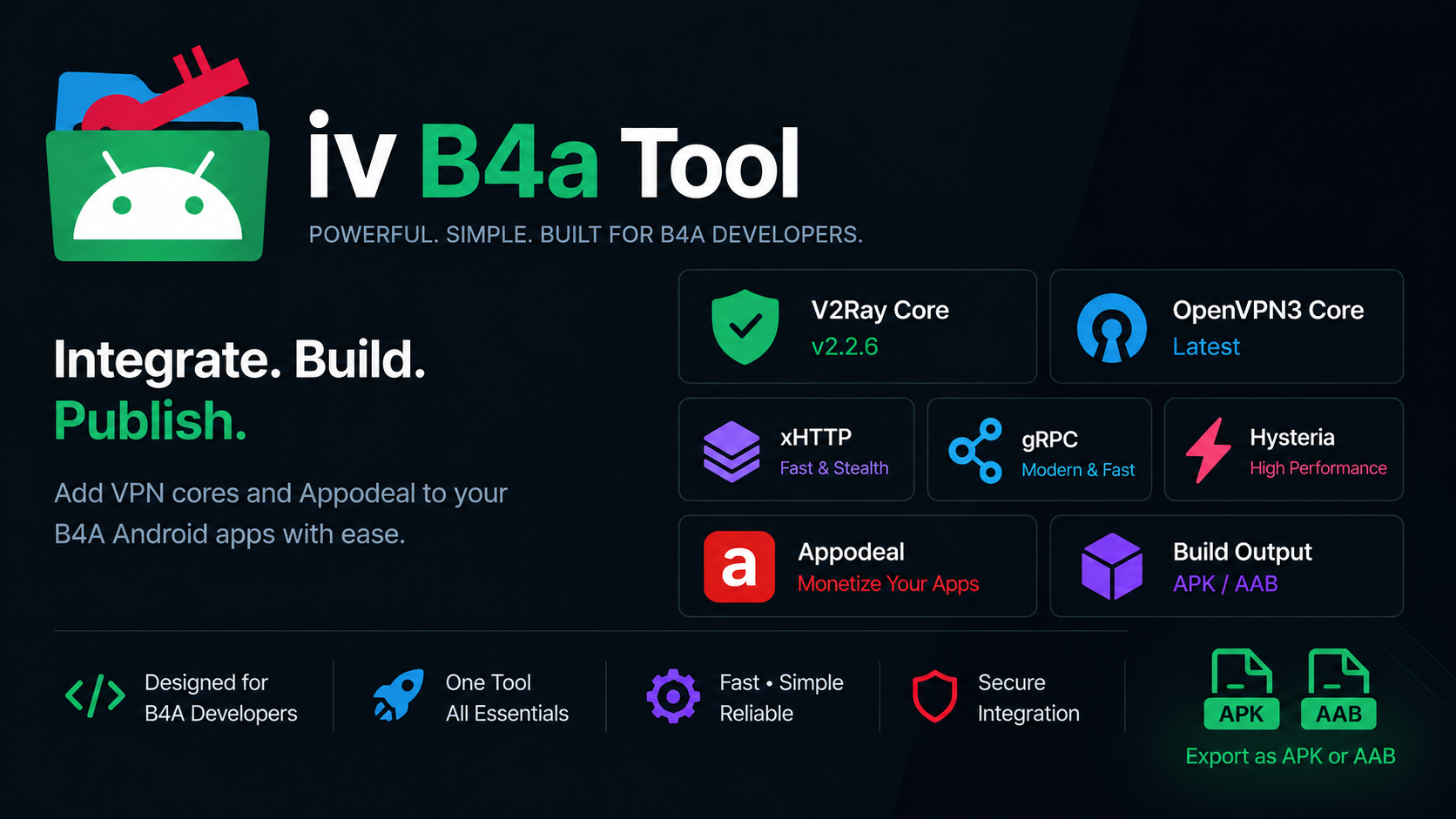
iv B4a Tool 🚀
Add V2Ray & OpenVPN3 to your B4A app, then build the APK. That's it.
Sign in to join the conversation.
Sign in with Google